


Updated on 8 July, 2026
How to enable 2FA backup methods
2FA backup methods are a great way to ensure users can still log in to WordPress should something happen to their primary 2FA method. Dead batteries and replacement/new phones are something that happens to the best of us. This may leave those using 2FA with no option but to call the helpdesk for assistance. Thanks to WP 2FA’s secondary backup 2FA methods users will be able to log in just as easily even if something happened to their phone.
Available methods
WP 2FA supports both 2FA backup codes and email OTP as a secondary authentication method. Both of these function similarly, serving as a backup should the primary 2FA method become unavailable.
Setting up 2FA backup methods
WordPress administrators can choose whether to make 2FA backup methods available and which ones.
Both of these can be set up by:
- Navigate to WP 2FA > 2FA Policies > Sitewide 2FA policies
- Scroll down to the Secondary 2FA methods section
- Tick the checkbox next to Backup codes to give users the option to generate and log in with backup codes
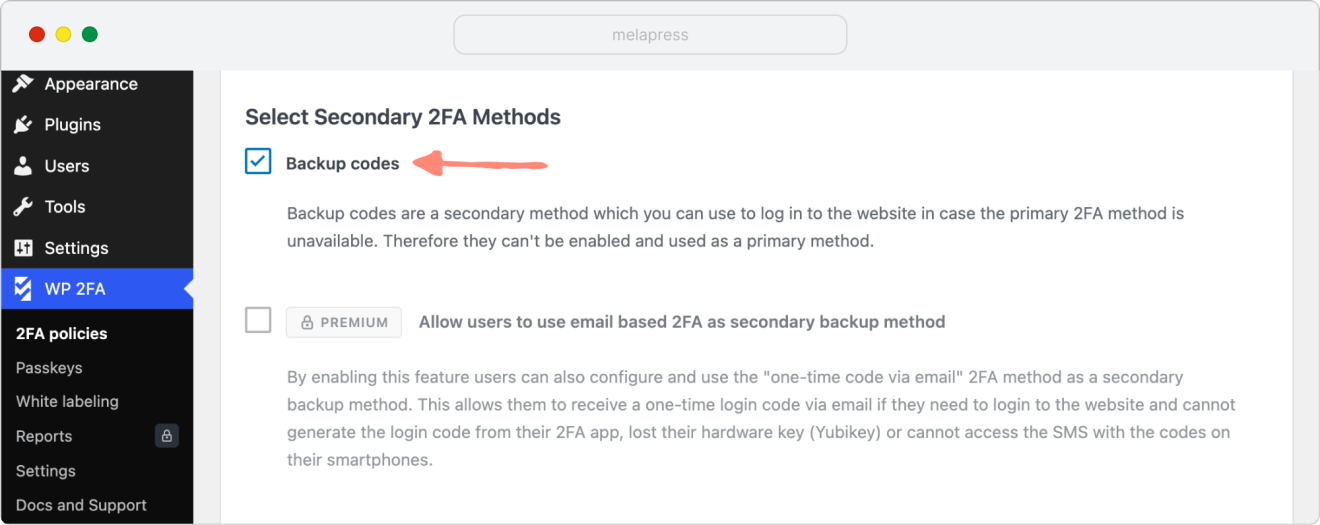
In the Premium version, you can also enable Allow users to use email-based 2FA as a secondary backup method to let users log in with an email OTP if needed.
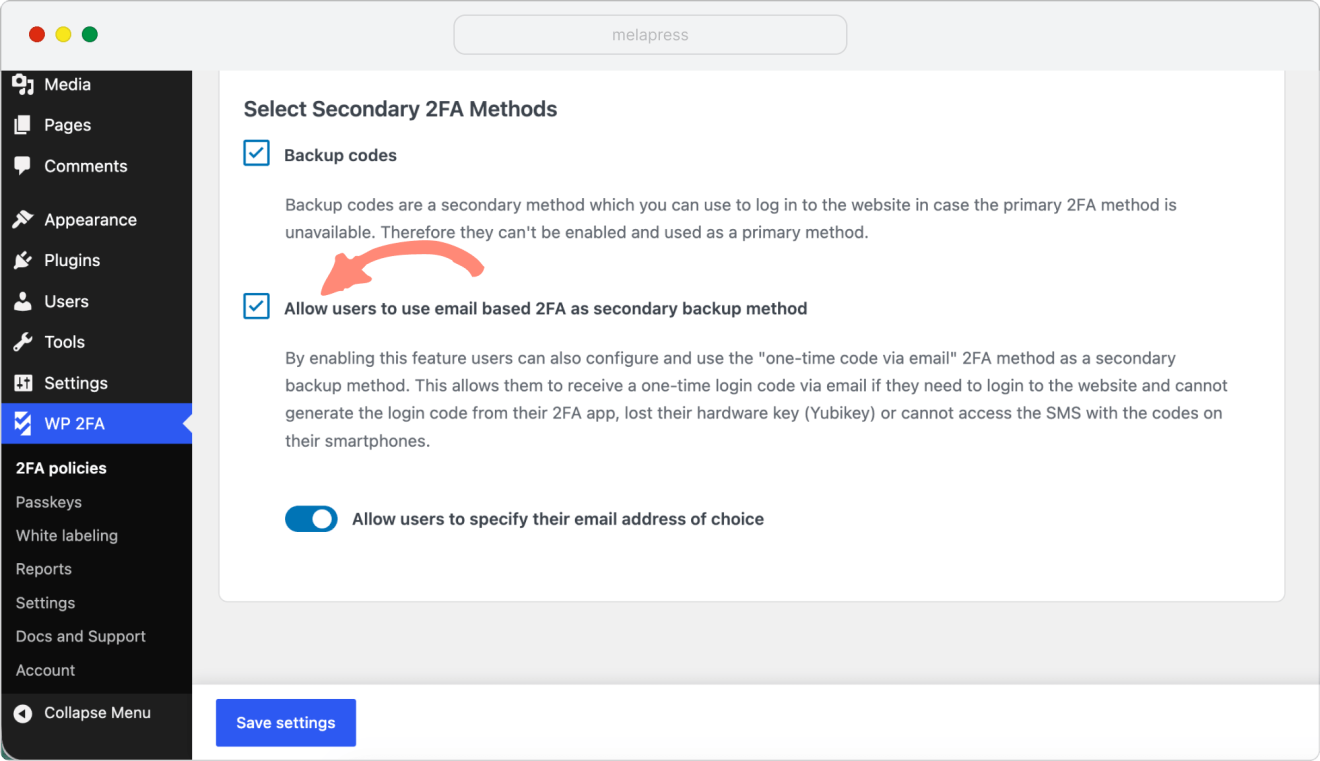
When choosing the email option, you can also enable Allow users to specify their email address of choice. When this option is set to no, the email address configured in the user’s WordPress user account will be used.
