


Updated on 27 October, 2026 by Robert Abela
Best tools for WordPress agencies
Agencies specializing in WordPress need effective tools to optimize their processes, ensure they can offer the best quality service, and maximize results for their clients. These tools can range from site management software to performance optimization or visual design tools.
In this article, we will explore the best tools for WordPress agencies that will help your agency deliver a better service to your clients.
Table of contents
How to choose the best tools for your WordPress agency
Selecting the right WordPress plugins, themes, and tools is a challenge due to the wide variety of options available. And with more and more tools making it to market on a regular basis, it’s not getting any easier.
Before pulling the trigger on a new plugin or software, it’s important to make a clear list of what you need. This will help you filter options and focus on specific solutions that solve genuine problems you face. Next, it’s time to dive into the plugins, software, and themes that can solve these problems for you. Some key tips to consider include:
- Research reviews and ratings: Check the opinions of other users on platforms such as G2, Trustpilot, or Capterra, or on the official WordPress repository, in case of plugins and themes. A plugin with high ratings and a solid number of downloads is usually a safe bet.
- Check compatibility: Make sure that the tool you choose is compatible with your current technology stack. This will avoid conflicts and possible errors, and ensure the software and tools you use work well together.
- Frequent updates: Opt for tools that are actively developed and that continue to improve based on user feedback. This will provide you with greater value and ensure that, if problems arise, you can get support.
- Try the free versions: Many tools offer free versions with basic functionality or for a limited time. Take advantage of this to evaluate if they meet your expectations before investing in their paid version.
- Technical Support: Ensure that any tools you pick come with reliable technical support. This is crucial should you encounter problems, especially if they deliver functionality that’s critical to the services you provide.
The best tools for your WordPress agency in 2026
While there isn’t a single best tool that’s a silver bullet, there are several tools built with agencies in mind. Whether it’s great value multi-license pricing or features specifically relevant to agencies, these tools are all 100% worth considering for your agency
Below, we will go through a selection of the best tools for WordPress agencies that can help you improve how you manage WordPress sites for your business.
WP Activity Log
What makes WP Activity Log great for agencies?
- Keep a record of user, customer, and system activities on all websites you manage
- Multi-site compatibility for unprecedented insight into user and customer activities
- Reports white-labeling for a truly personalized touch
- Great-value discounted pricing for volume licensing
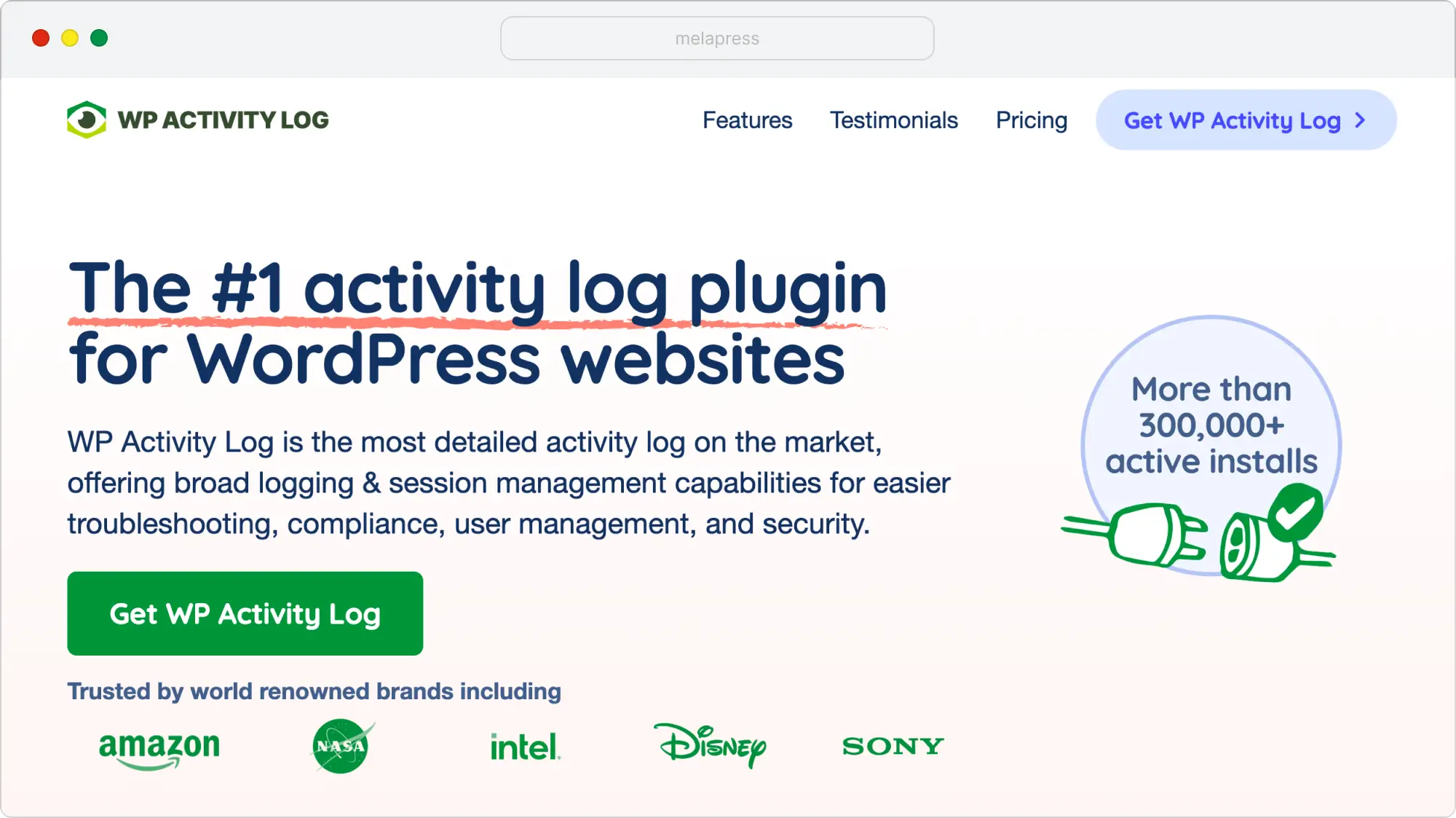
WP Activity Log is a WordPress plugin that enables you to monitor and log user and system activities on your WordPress site. Its multi-site compatibility makes it ideal for agencies looking to keep track of changes made by clients, employees, and freelancers for improved collaboration.
Activity logs can help ensure accountability while facilitating dispute resolution. Having a record of what has been changed and who made it can also help ensure faster resolutions, achieve compliance, and improve overall security.
The free version of WP Activity Log offers unlimited logging, with no limitations on which activities are logged or for how long the log can be kept. Upgrading to the premium edition gets you additional features, including email and SMS notifications, user management, advanced search filters, reporting, and much more. Prices start from 139€ per year.
Modular DS
What makes Modular DS great for agencies?
- Log into every WordPress site with a single click, no need to remember usernames and passwords
- Install, update, and remove plugins and themes on multiple websites at the same time
- Perform cloud backups (monthly, weekly, or daily) and recover them easily
- Monitor website status and receive email/SMS alerts if something goes wrong or a new vulnerability appears
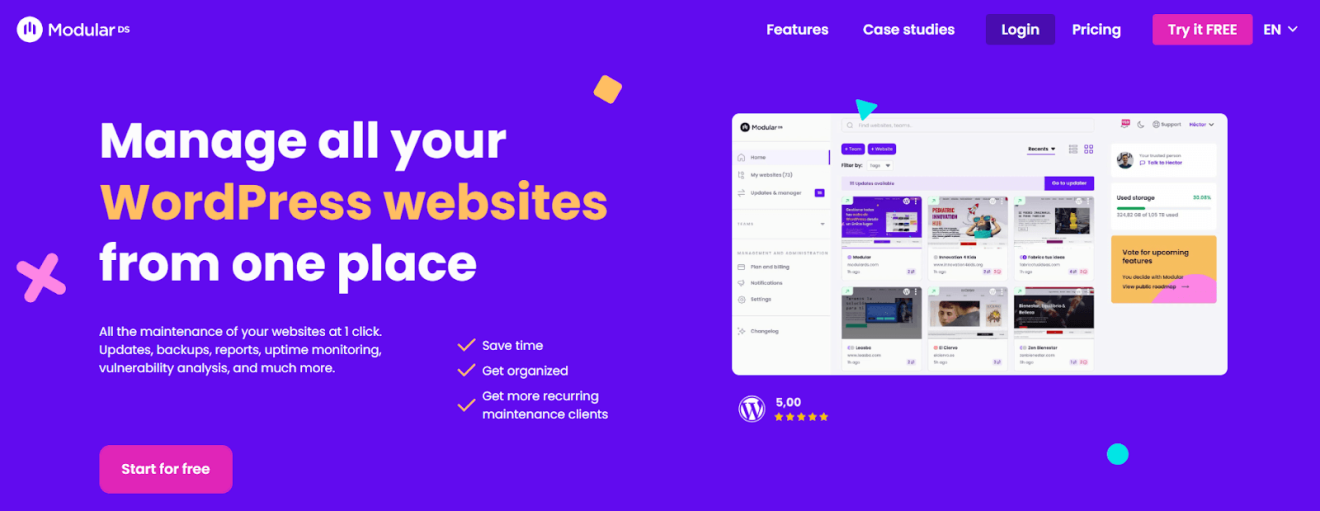
Website management tools like Modular DS are indispensable for professionals who manage multiple WordPress websites. It allows you to centralize and automate most of the maintenance tasks your clients’ websites need from a single dashboard.
It comes with an intuitive and easy-to-use interface, saving you time in your day-to-day work while allowing you to offer a better maintenance service to your clients. Modular DS is also GDPR-compliant and offers integrations with popular tools such as Google Analytics, Search Console, PageSpeed, and WooCommerce.
Modular DS offers a free plan that allows you to connect your first five websites and test all its features in its basic version. And if you are looking for something more, the premium plans start at 29€ per month for 50 websites.
Rankmath
What makes RankMath great for agencies?
- Rank Tracker to track performance against predefined keywords
- Track rankings over time
- Client management portal
- By far the best-priced, feature-rich SEO plugin for those managing multiple sites
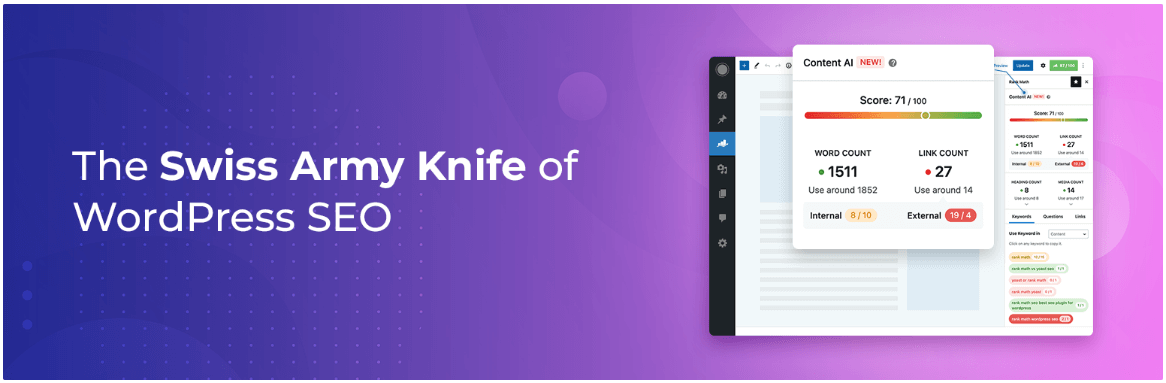
RankMath is a powerful SEO plugin that makes it easier for WordPress agencies to manage and optimize their clients’ websites. Its auto-configuration and ease of use mean you can get started quickly and focus on delivering results. With features like real-time content analysis, schema markup, and integration with Google Search Console, it provides the tools you need to manage on-page SEO from a single plugin.
RankMath also includes a Client Management for Business Owners feature, which allows agencies to manage multiple client websites from a single RankMath account. Instead of managing separate logins, everything is managed from one portal, which reduces admin time overhead.
RankMath offers an agency package for $49.99 monthly, which supports 500 client websites and 50,000 keywords. For those with a smaller portfolio, there is a Pro plan priced at $20.99 per month that supports up to 100 clients.
Elementor
What makes Elementor great for agencies?
- Extensive library of professional, pre-designed templates
- Compatible with WooCommerce, MailChimp, and more
- Custom elements such as forms, galleries, and sliders
- Competitive pricing for agencies managing a large number of websites
Elementor is one of the most popular visual builders for WordPress. It allows agencies to design websites that meet clients’ expectations and requirements without writing a single line of code. It has an intuitive drag-and-drop interface and offers full creative control with a short learning curve.
It’s compatible with most WordPress themes, enabling you to accommodate a wide range of customers, meeting branding, layout preferences, and industry requirements without breaking a sweat.
A free version is available; however, premium plans start at €4.99/month for full functionality. For agencies that manage multiple websites, the Agency plan is a good option, as it can be used on up to 1000 websites for €33.25/month.
WPBakery
What makes WPBakery great for agencies?
- Extensive library of professional, pre-designed templates
- Frontend inline editor for real-time visual editing
- Template Library plus reusable layout templates and element presets
- Compatibility with common agency stacks, including WooCommerce, Yoast SEO, ACF
WPBakery page builder is a premium drag-and-drop builder built for teams that need to ship polished layouts quickly. Agencies can design and edit pages using the visual frontend editor, while the backend editor provides a schematic view that works well for complex, content-rich pages.
With 50+ built-in content elements and a Template Library, agencies can maintain design consistency. Template manager saves reusable structures, while element presets streamline repetitive design tasks.
Pricing is based on lifetime licenses. A single-site license costs €69 lifetime, a 5-site license costs €256 lifetime, and a 10-site license costs €499 lifetime. All licenses include one year of support, free updates, access to the Template Library, WPBakery AI, and partner discounts.
WP Rocket
What makes WP Rocket great for agencies?
- One license to manage multiple clients
- Export and import settings
- Competitive multi-site license pricing
- Automatic optimizations
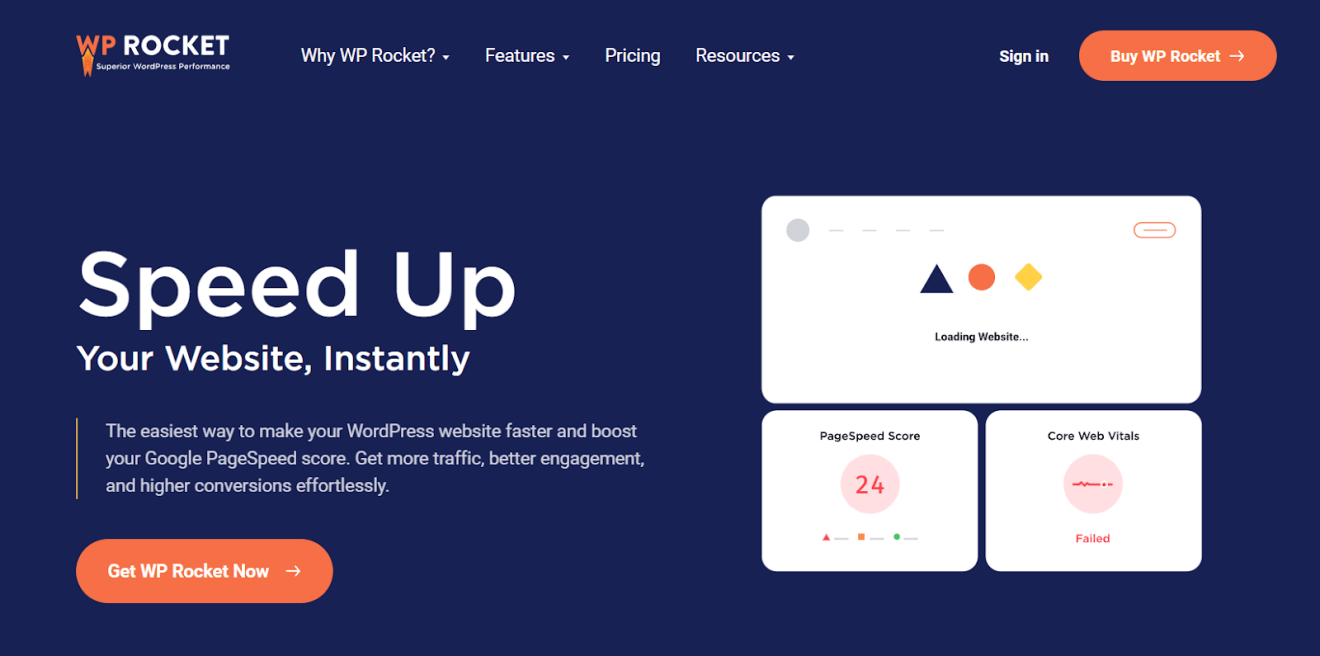
WP Rocket is a performance optimization plugin that helps improve the loading speed of your website. It is ideal for agencies looking for quick and effective solutions to optimize multiple client sites without having to go deep into the technical side.
Upon activating the plugin, you can expect performance best practices such as page caching, image optimization, auto lazy rendering, and much more. It also offers easy customization, ensuring you can easily implement optimizations that best suit your requirements.
While WP Rocket does not offer a free edition of its plugin, there is a 14-day 100% money-back guarantee. Pricing starts from €59/year for a single site, going up to €599 for 500 websites.
Gravity Forms
What makes Gravity Forms great for agencies?
- Drag-and-drop form builder for quick turnarounds
- Supports custom CSS for better client integration
- Import and export forms
- Multisite support
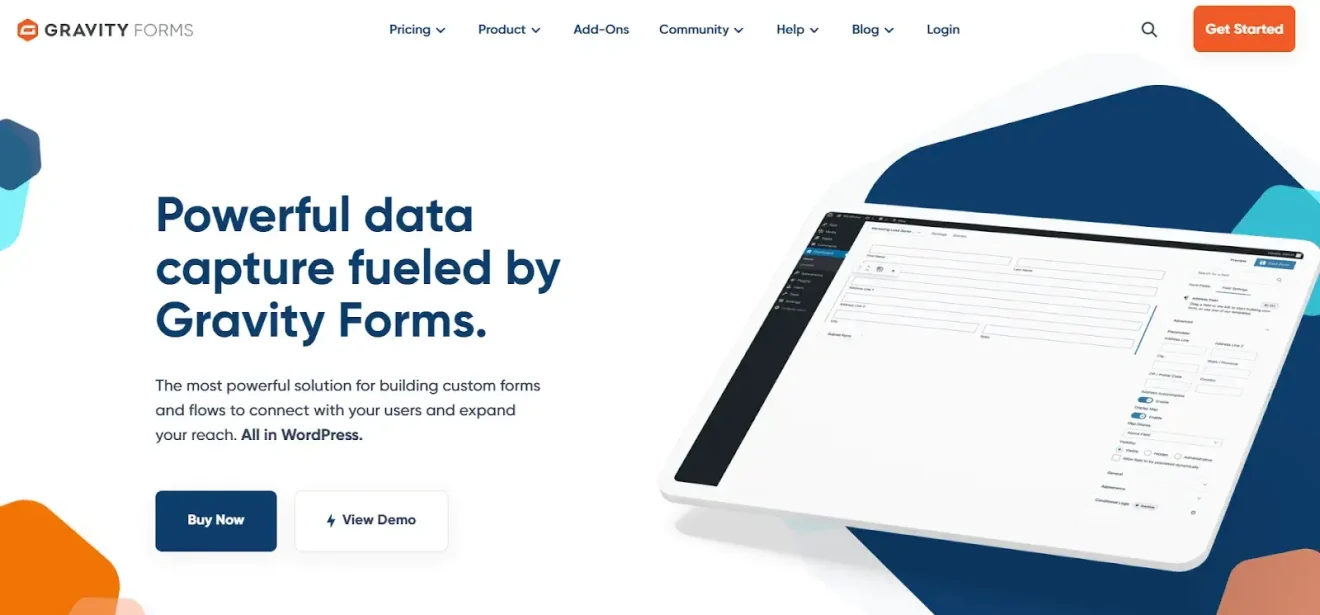
Gravity Forms is one of the most advanced plugins for creating custom forms on WordPress. Its intuitive and highly customizable design makes it a great choice for websites that need anything from simple contact forms to more complex functionalities like surveys, registration forms, or payment requests.
The plugin stands out for its drag-and-drop interface, allowing users to design forms without any coding knowledge.
The basic plan starts at €59/year for a single website and includes add-ons for several services as well as basic support. However, there are more suitable plans for agencies managing multiple websites for €259/year.
WP 2FA
What makes WP 2FA great for agencies?
- Improves security of user accounts on client sites
- Allows you to set 2FA policies per role or per user
- Whitelabelling options for agencies
- Commonly seen as one of the most user-friendly WordPress 2FA options
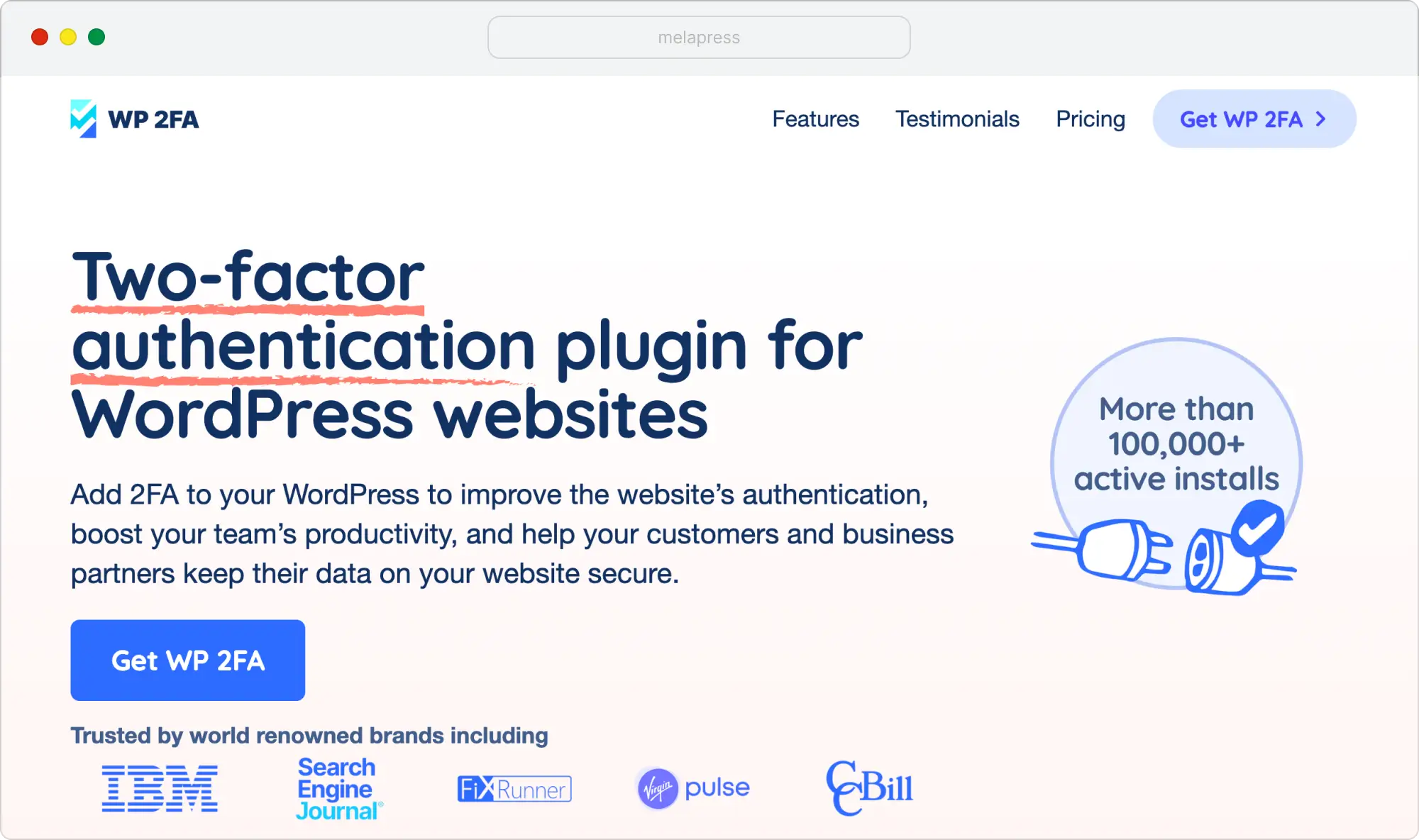
WP 2FA is a WordPress 2FA plugin that helps protect user accounts by adding two-factor authentication (2FA) to the WordPress login process. It supports multiple 2FA methods and is fully compatible with WordPress multisite, making it a strong choice for agencies and businesses managing multiple users/websites.
By requiring an additional verification step during login, WP 2FA significantly reduces the risk of unauthorized access caused by compromised or weak passwords. This is especially important for sites with multiple administrators, editors, or external collaborators, where account security is critical.
The free version of WP 2FA includes core two-factor authentication functionality with support for popular methods such as authenticator apps. The premium edition adds advanced features such as configurable 2FA policies per user role, trusted devices, white-labeling, WooCommerce support, and detailed configuration options for larger teams. Prices start from 79€ per year.
InstaWP
What makes InstaWP great for agencies?
- Manage client websites from one dashboard, with one-click WordPress login and bulk plugin and theme updates
- Launch WordPress sandboxes in seconds and test changes on staging before applying them to live sites
- Reuse your preferred themes, plugins, and settings through templates to speed up new client projects
- Automate backups, monitor uptime, and run security scans to support your maintenance services
- Resell hosting under your own brand, with a client portal and pricing you control.
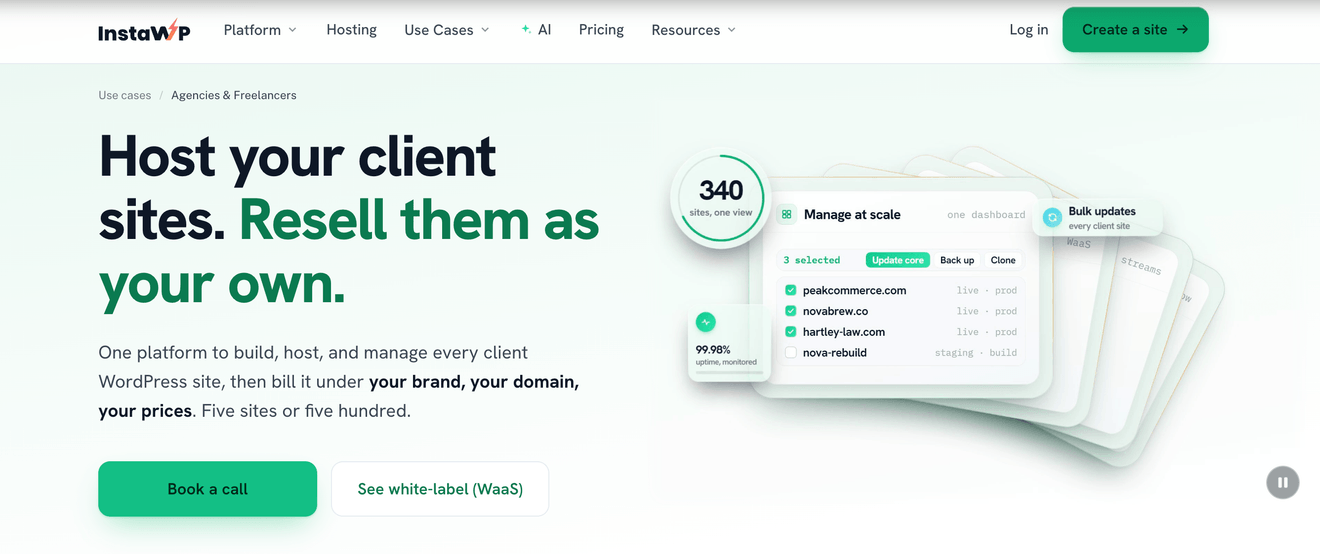
InstaWP brings WordPress development, managed hosting, and site management into one platform. For agencies that want a connected workflow from the first client build to ongoing maintenance, with fewer tools to switch between.
Your team can start with a sandbox, share the site for client review, and move it to production with a plan change. Reusable templates reduce repetitive setup, while centralized management helps you handle updates and routine maintenance across client sites. You can also package hosting and maintenance into recurring services, creating revenue beyond the initial website build.
InstaWP uses per-site pricing, billed daily. Sandboxes start at $2 per month per site, and managed production hosting starts at $5 per month per site. Advanced site management costs an additional $2 per month per site on Sandbox and Starter and is included with Plus and higher plans. This lets agencies choose resources for each client instead of putting every website on the same plan.
BugHerd
What makes BugHerd great for agencies?
- Clients can point, click, and pin a comment on a web page exactly where an issue occurs
- Automatic screenshots and technical details are captured
- A built-in Kanban task board allows teams to track, assign, and prioritize feedback
- Deep two-way integrations with tools like Trello, Asana, Jira, and many more
- Extremely easy for clients to use, with no login or account setup required
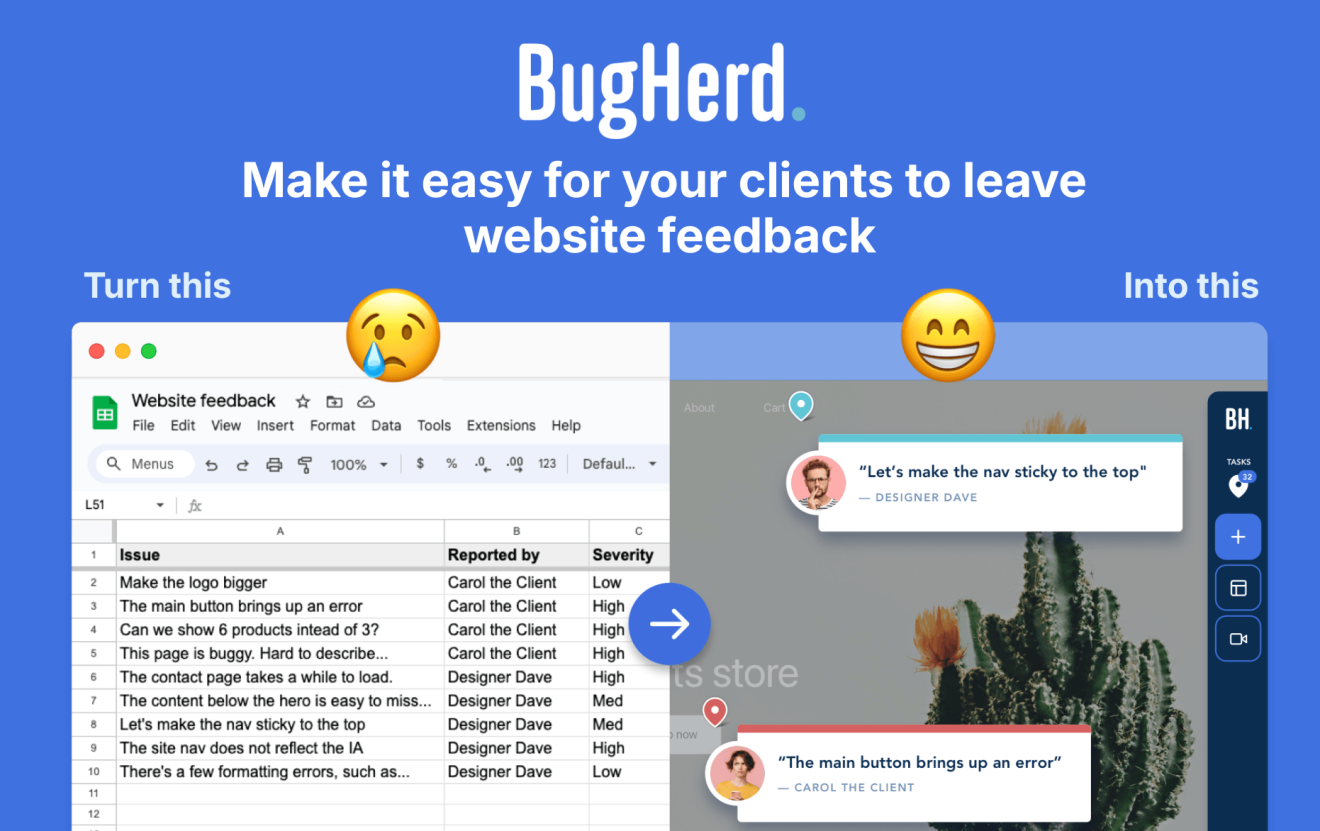
BugHerd makes it easier to collect and manage website feedback without relying on long email threads or spreadsheets. Clients can simply point, click, and comment directly on the website, while BugHerd automatically captures screenshots and technical details and creates tasks for your team to track.
It’s designed for agencies and web development teams collecting user feedback on live or staging websites and is ideal for non-technical clients and teams that want to keep feedback clear, actionable, and centralized.
BugHerd’s WordPress plugin removes the need to add code to your website. Simply install the plugin once, then turn it on or off as required. You can use BugHerd on both your websites and the WordPress admin.
Plans start at $42/month, with a free trial and an optional 1:1 demo available if you want to see how it fits into your workflow.
WP Mail SMTP
What makes WP Mail SMTP great for agencies?
- Increases email deliverability rates
- Compatible with most hosting providers
- Integrates with various email marketing tools
- Agency plans are available
WordPress website that needs to send emails, as it resolves common delivery issues by properly configuring the SMTP (Simple Mail Transfer Protocol).
By default, WordPress uses the wp_mail function, which works similarly to the PHP mail function. Known for having reliability issues, it can cause unnecessary support requests. WP Mail SMTP helps prevent deliverability issues by redirecting emails to a reliable SMTP provider, ensuring they reach users’ inboxes.
The free edition of WP Mail SMTP can be installed directly from the WordPress plugin repository. Meanwhile, premium plans start at €49/year for more advanced features, such as email tracking, while the Agency plan costs €449. At the time of writing, there is an offer in place that can see you save as much as €50 on paid plans.
TranslatePress
What makes TranslatePress great for agencies?
- Supports WooCommerce and all major site builders
- Automatically translates content using AI, with no API keys required
- Create translator accounts with no back-end access required with the Translator Accounts Add-on
- Support for 160+ languages
TranslatePress offers both automatic and manual translations for WordPress sites. It can translate entire sites using AI across more than 160 languages, and it also offers a friendly visual translation editor that lets you see and edit translations directly from the front end, exactly as visitors see the page.
For agencies managing multilingual websites, TranslatePress offers features that simplify translation workflows. Translator Accounts allow external translators to work on content without needing access to the WordPress dashboard, while Editorial Control helps ensure translations are reviewed before they go live. The plugin is also SEO-friendly, supporting translated URL slugs, meta descriptions, and dynamic content, making it a strong choice for websites targeting multiple languages and regions.
Before choosing a plan, your agency can use TranslatePress’s free Website Word Counter tool to crawl any website and get an estimated word count across all pages. After selecting the target languages, the tool provides an upfront estimate of translation costs. This makes scoping translation projects for clients much faster and more accurate.
TranslatePress offers a free version that includes the visual translation editor, automatic translation, WooCommerce support, and support for dynamic strings, all for one language. Premium plans start from €8.25/month (billed at €99/year), and include one site, 50,000 AI-translated words, unlimited languages, and the SEO Pack, among other features. Higher-tier Business and Developer plans include additional features, increased AI translation allowances, and support for more websites.
OptinMonster
What makes OptinMonster great for agencies?
- Designed to help you draw in more leads
- Compatible with most email marketing platforms
- Proven templates included
- Plans include training videos, guides, and ebooks
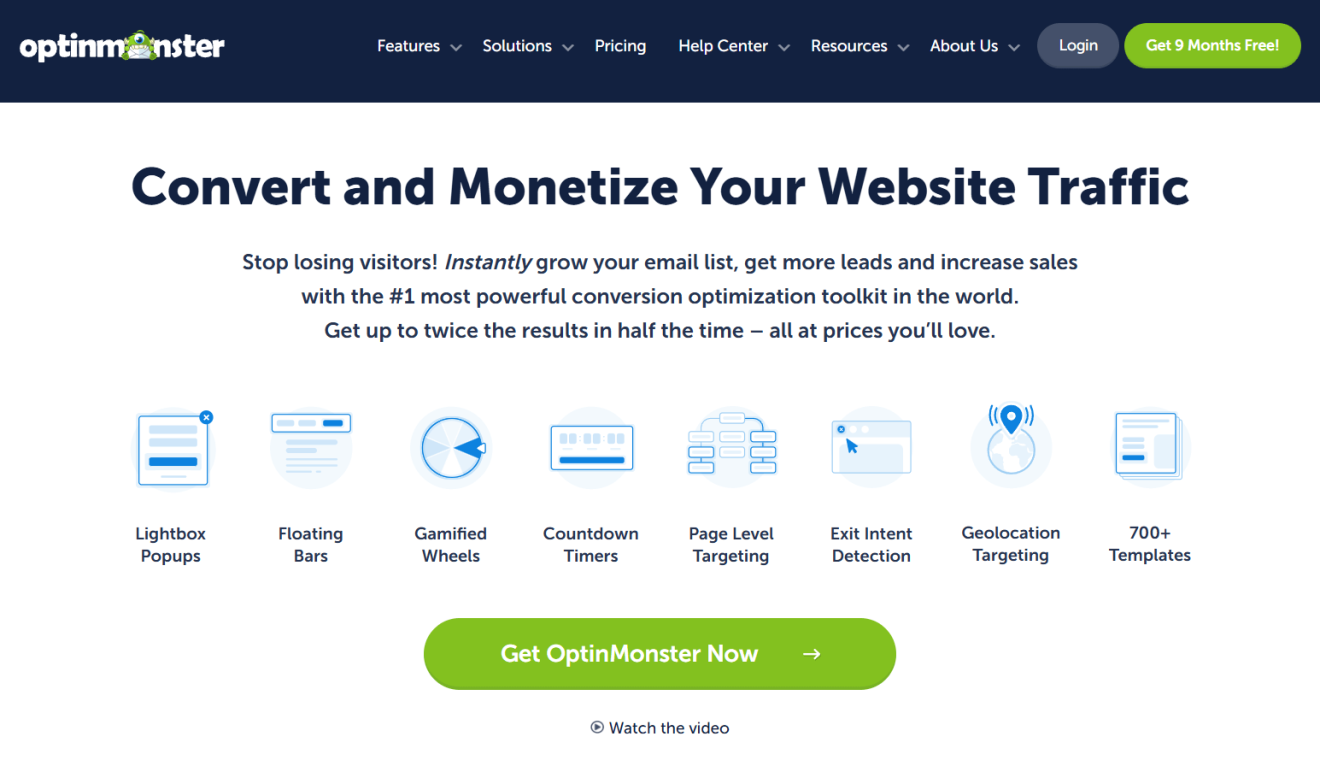
OptinMonster is one of the most powerful tools for lead generation and conversion optimization on websites. Its main goal is to help businesses, agencies, and entrepreneurs capture more subscribers, convert visitors into customers, and reduce abandonment rates.
With its extensive customization and segmentation options, OptinMonster allows users to design effective campaigns without requiring advanced technical knowledge.
The free edition of OptinMonster is available through the WordPress plugin repository, where it has over 1 million active installations. Premium plans with more advanced features start at $7 per month for Basic, going all the way up to $49 per month for the Growth plan.
Document Library Pro
What makes Document Library Pro great for agencies?
- Fast Access: Instantly search, sort, and filter documents.
- Unlimited Libraries: Manage multiple clients or projects with flexible layouts.
- Easy Management: Add manually, bulk import, or allow front-end submissions; supports external storage.
- Secure & Private: Control access by role, password, or per document/category.
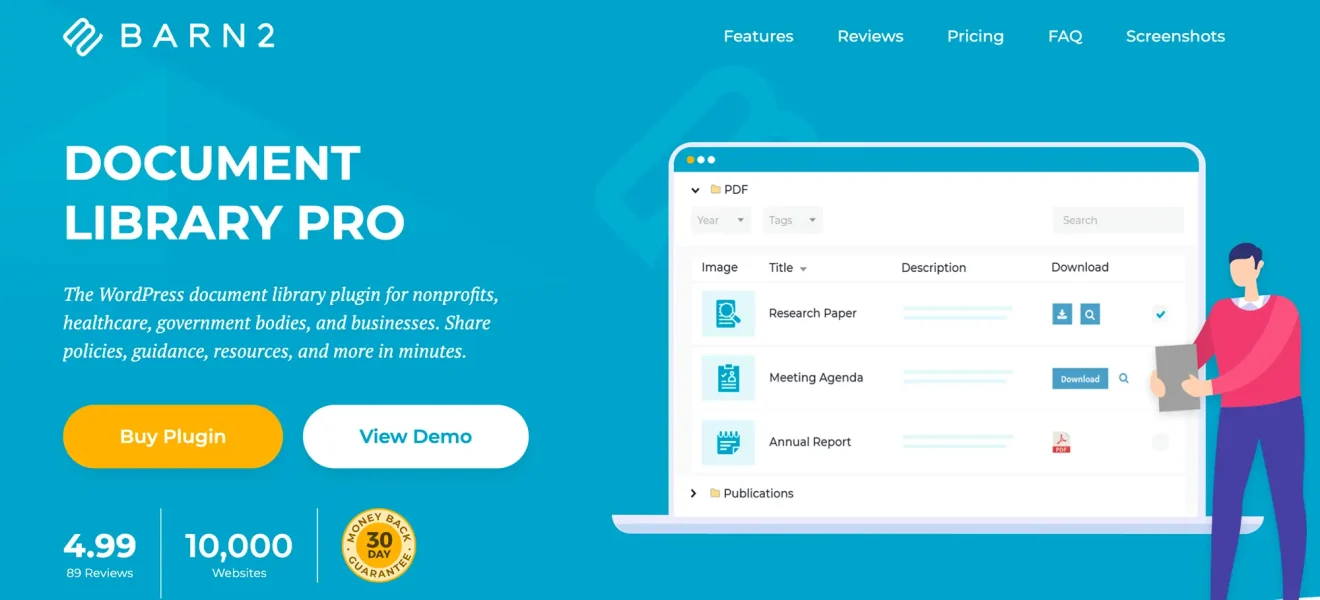
Document Library Pro is a powerful WordPress plugin that revolutionizes how you organize, manage, and display documents on your website. Whether you’re running a corporate intranet, an educational platform, or a public-facing business site, it enables you to create professional, visually appealing, and highly functional document libraries. You can install it on any WordPress site, either as a standalone platform or as part of a larger company website.
Going beyond the basic WordPress Media Library, Document Library Pro lets you store detailed metadata, organize documents with unlimited categories, and present them in searchable, filterable layouts. It supports all file types and offers flexible storage options, including third-party services like Dropbox and Google Drive, providing unmatched versatility for document management of any scale.
Document Library Pro doesn’t include a free trial, but your purchase is covered by our 30-day money-back guarantee—no questions asked. The Advanced plan, starting at $159/year, is ideal for organizations requiring controlled access, offering a private WordPress document library with secure management for a single site. The Essentials plan, starting at $119/year, is perfect for smaller sites sharing public documents, featuring a WordPress document library with search and filter functionality for one site.
FAQs
How to choose the right WordPress tools for my agency?
I recommend starting by focusing on the problems you’re trying to solve rather than on the features a tool advertises. A good agency tool should fit your existing workflow, support multiple websites, be actively maintained, and have a strong reputation. Before committing, check reviews, test the support team, and consider how well the tool can scale as your agency grows.
Should you standardize your agency tool stack?
In most cases, yes. Using the same core tools across client websites makes onboarding, maintenance, troubleshooting, and training much easier. Many agencies I speak with start standardizing after realizing they’re spending too much time supporting dozens of different plugin combinations across their client portfolio.
How can agencies reduce WordPress maintenance costs?
The biggest savings usually come from reducing repetitive work. Tools that automate updates, backups, monitoring, reporting, and routine maintenance can free up hours every month, but tools alone are only part of the equation.
In one of our The Melapress Show episodes, agency owner Daniele Besana shared that keeping maintenance costs under control comes down to having the right systems in place: “Invest in tools, because support can go out of hands very easily. So having a proper help desk system, that’s something I invested in since the beginning… Build procedures for the onboarding, for speed optimization, for the most common type of requests.“
Is it better to use all-in-one solutions or specialized WordPress tools?
Platforms such as Modular DS or ManageWP can simplify day-to-day website management by bringing updates, monitoring, and maintenance tasks into a single dashboard. At the same time, specialized tools often provide deeper functionality in specific areas. For example, WP Activity Log focuses on activity monitoring, WP 2FA strengthens user authentication, and WP Rocket focuses on performance optimization.
From conversations I’ve had with agencies, the most common approach is not choosing one or the other, but finding the right balance. Many rely on a central management platform for operational tasks while using specialized tools where expertise, visibility, or automation can make the biggest difference.
Conclusion
Choosing the right tools can transform the way WordPress agencies manage their projects, optimize their processes, and deliver quality results to their clients. It also makes team members’ jobs easier.
An agency’s success depends on its ability to combine the most effective tools according to the needs of each project. By carefully evaluating options, prioritizing quality, and staying up-to-date with trends in the WordPress ecosystem, agencies can achieve results that make a difference in a competitive market.